Development · 1 de abril de 2026
10 automations you can set up in 60 minutes
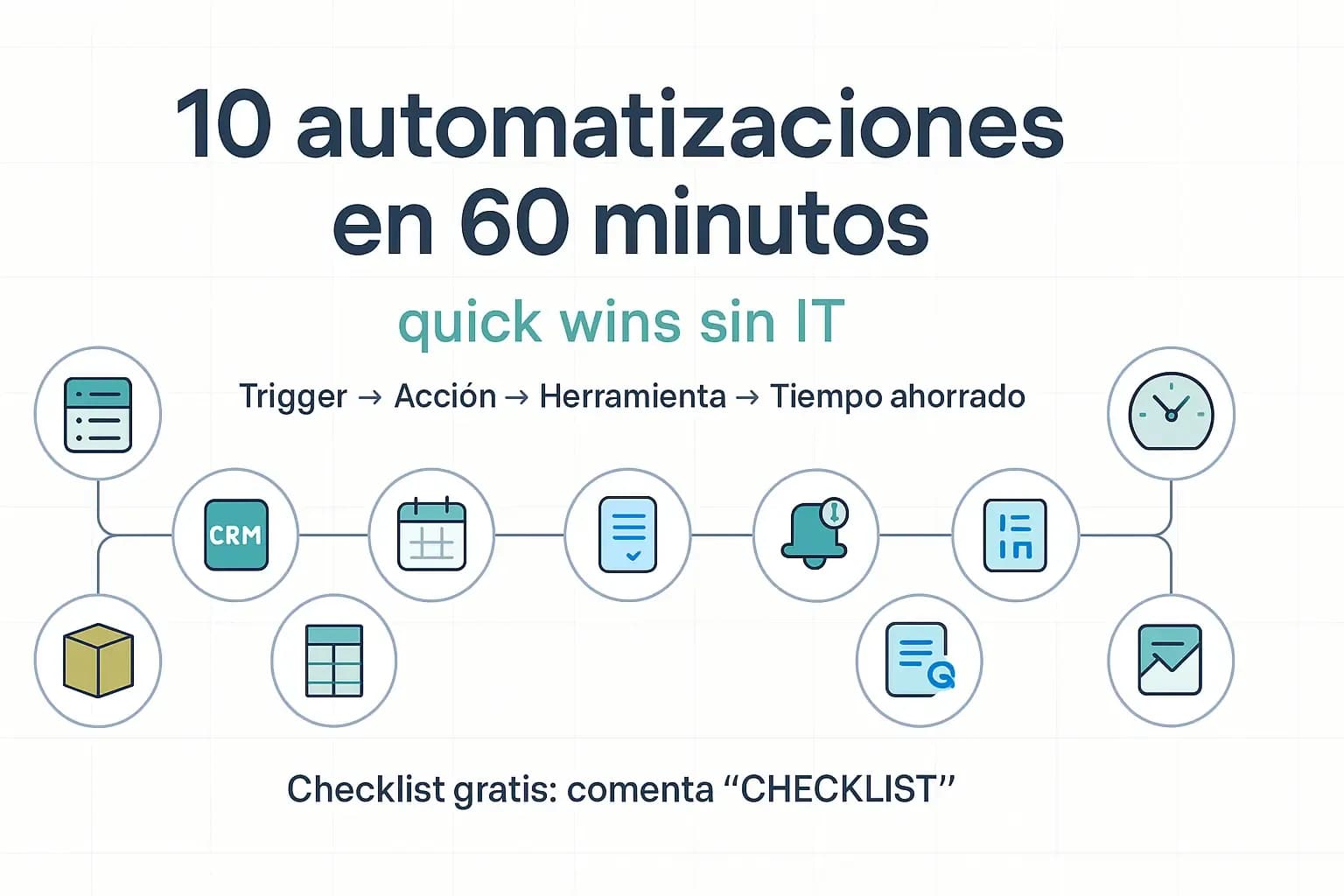
Here are 10 process automations you can set up in 60 minutes using tools accessible to every company.
Start with simple things, measure, validate and repeat.
Use this recipe:
Trigger → Action → Tool → Time Saved
1. Leads to CRM + welcome
Form submitted → create contact + welcome email + notification in Teams.
Google Forms/Typeform + HubSpot/Sheets + Gmail + Teams/Slack
2. Schedule meetings with new clients
New lead → send calendar link + create event + reminder 1 hour before.
Calendly + Google/Microsoft Calendar + Gmail/Outlook
3. Express client onboarding
Contact created → checklist in Asana/Trello + email with next steps.
HubSpot/Sheets + Asana/Trello + Gmail/Outlook
4. Orders → warehouse (picking)
Order paid → row in the picking sheet + email to the warehouse.
Shopify/Woo + Google Sheets/Excel + Gmail/Outlook
5. Sales to Excel
Payment in Stripe/PayPal → log it in a sheet for basic reconciliation.
Stripe/PayPal + Google Sheets/Excel
6. Payment collection reminder
Invoice issued → automatic reminder after +7 days if there’s no payment.
Stripe/Notion/Sheets + Gmail/Outlook + Calendar
7. Post-sale survey
Order delivered → 3 days later send a survey + alert if NPS ≤ 6.
Shopify/Woo + Typeform/Google Forms + Gmail + Slack/Teams
8. Support with no lost tickets
Email to support@ → create ticket + auto-reply + notification in Slack.
Gmail/Outlook + Freshdesk/Zoho Desk + Slack/Teams
9. Content cross-posting
New blog post → create a LinkedIn draft + add it to Buffer.
WordPress (RSS) + Buffer/Hootsuite
10. Daily business digest
Every morning at 09:00 → email/Slack with yesterday’s sales, leads and open tickets.
Google Sheets/HubSpot + Gmail/Slack
How to measure the value quickly:
ROI ≈ (minutes saved × frequency × cost/hour) – tool cost.
Start with what’s frequent and painful, assign an owner to each workflow and turn on logs/alerts.
Want an editable checklist to calculate how much time implementing these automations would save your company? Comment “CHECKLIST” and I’ll send it to you.